
Screenshots

App details
- Updated
- Jan 28, 2013
- Language
- English
- Category
- Mobile
SoftPas in:
This product is also available in the following languages:
About RetroCopy
Download RetroCopy – Multiplatform Emulator, Retro Gaming, Classic Games, 3D Arcade Room
Overview
RetroCopy is a multiplatform emulator designed for enthusiasts seeking to relive the golden era of video gaming. It enables users to play classic titles from iconic systems such as Super Nintendo, Sega Genesis, MegaDrive, and Sega Master System, all within a single, unified interface. The app serves as a digital archive and interactive experience, bridging nostalgia with modern convenience. Its primary purpose is to simplify access to retro games while enhancing the overall experience through immersive design and technical improvements. Target users include retro gaming fans, collectors, and casual players who appreciate authentic gameplay with modern refinements. The app is particularly valuable in the mobile app ecosystem for those looking to consolidate multiple emulators into one solution. Although the developer did not provide additional background, RetroCopy has maintained relevance since its release in 2013, suggesting a dedicated user base. Real-world use cases include home arcade setups, mobile gaming on the go, and organizing personal ROM libraries. The app stands out by combining emulation functionality with a unique virtual arcade environment, transforming gameplay into a personalized journey through gaming history.
Key Features & Functionality
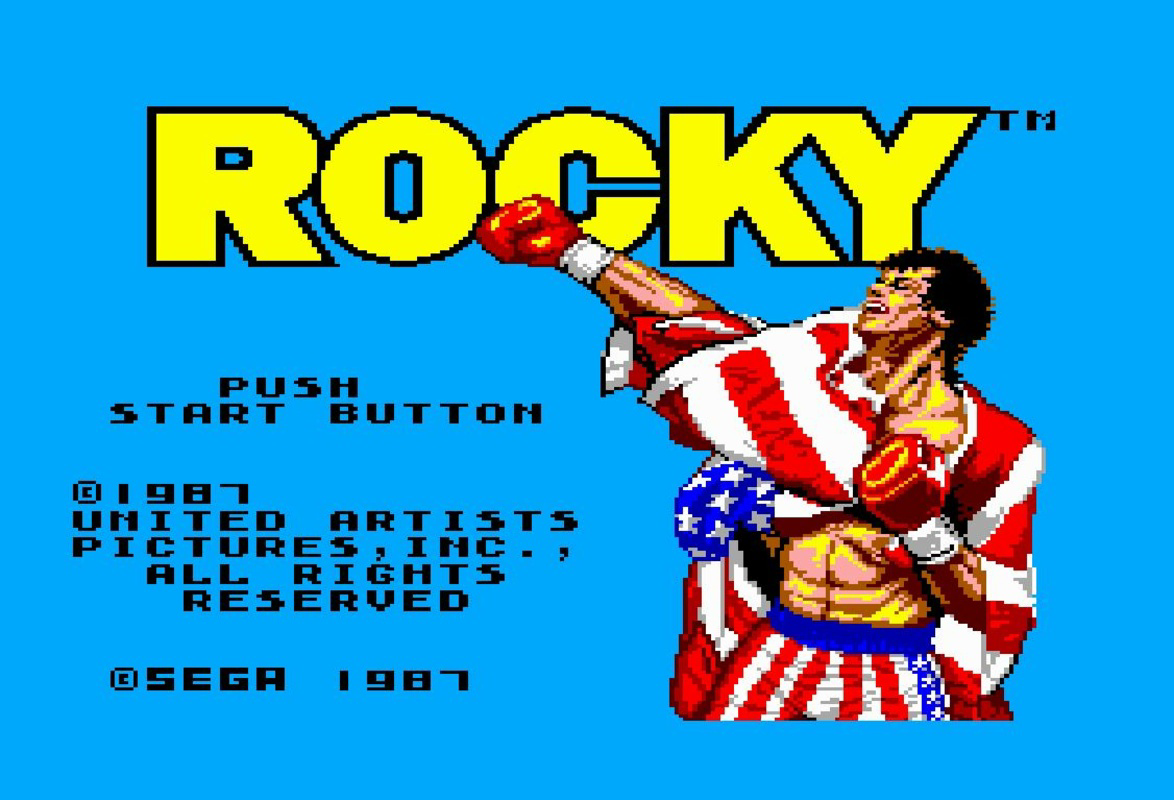
- Multiplatform Emulation: RetroCopy supports multiple classic systems, including Super Nintendo, Sega Genesis, MegaDrive, and Sega Master System. This eliminates the need for separate emulators, streamlining access to a diverse library of retro titles.
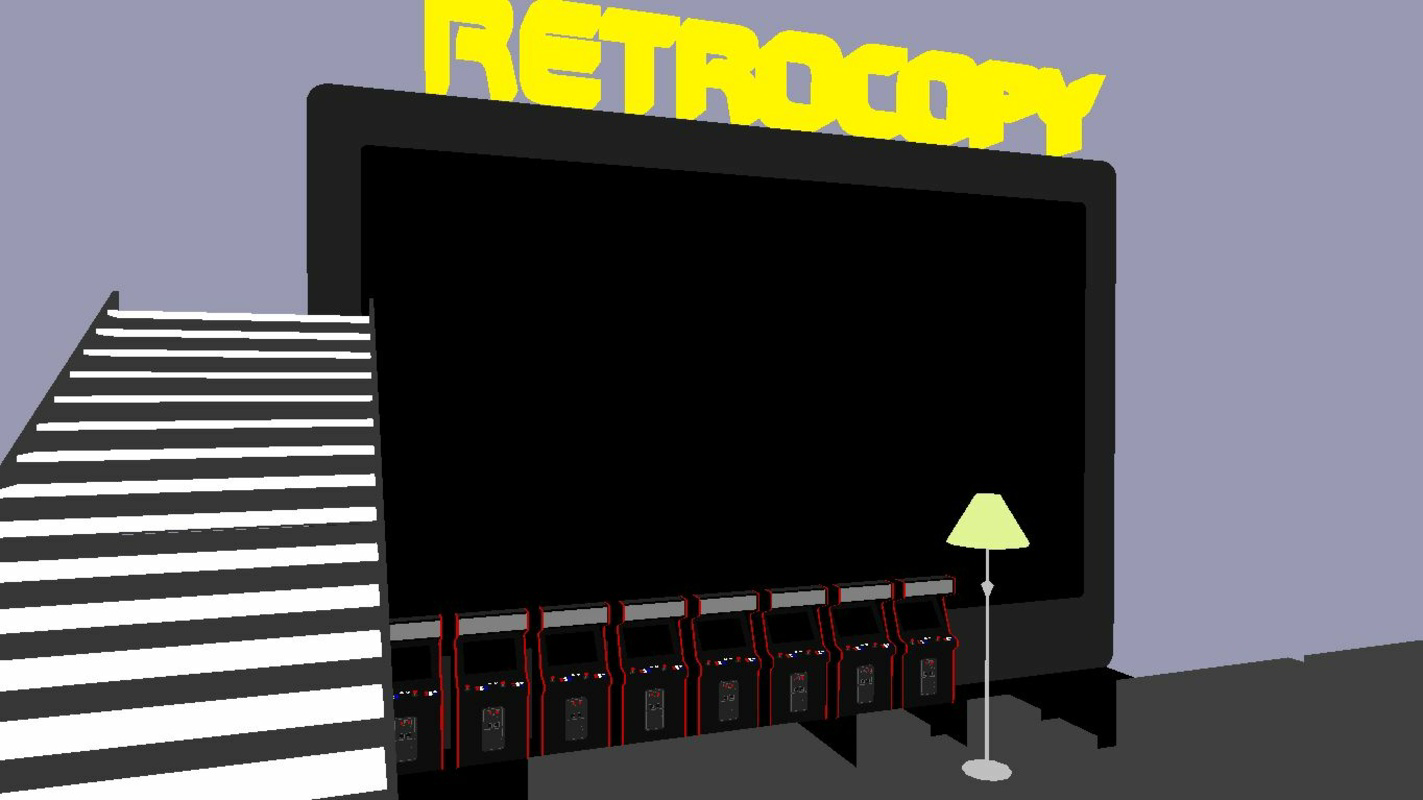
- Customizable 3D Arcade Room: Users can design and navigate a first-person virtual arcade space. This immersive feature allows interaction with different emulated machines, enhancing the sense of presence and nostalgia.
- ROM Organization Tools: The app includes features for managing game collections, such as adding cover art, categorizing titles, and filtering by system or genre. This improves usability for users with large ROM libraries.
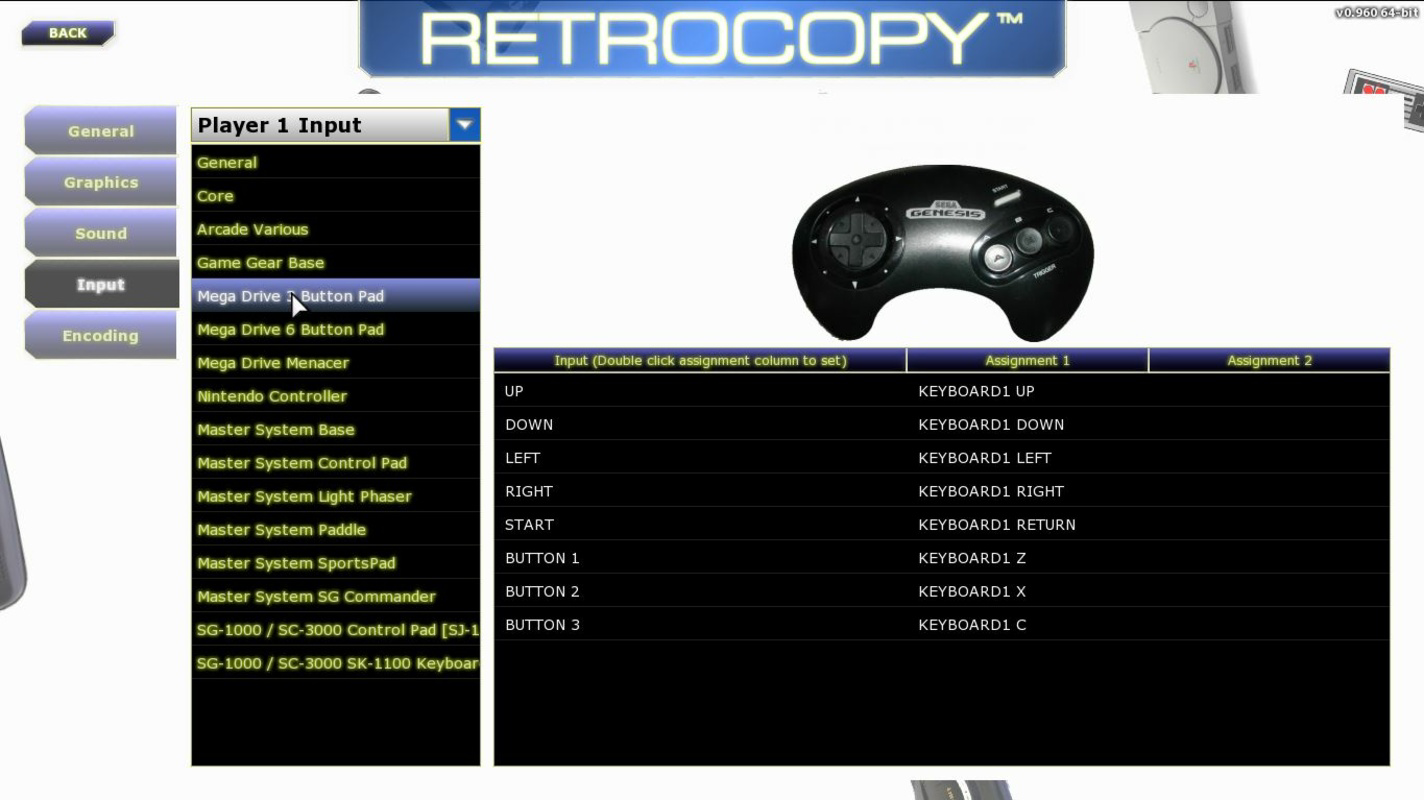
- Controller Compatibility: RetroCopy supports a wide range of external controllers, ensuring smooth gameplay across different devices. This flexibility benefits both casual users and dedicated players seeking authentic control schemes.
- Visual and Audio Enhancements: Built-in filters adjust image aspect ratios without compromising clarity. Sound improvements provide clearer audio output, delivering a more polished experience compared to original hardware.
These features cater to real-world scenarios such as setting up a personal mobile arcade, organizing a digital game collection, or playing nostalgic titles with enhanced audiovisual fidelity. Each functionality is designed to elevate the user’s connection to classic games while maintaining ease of access and intuitive navigation.
Interface, UX & Performance
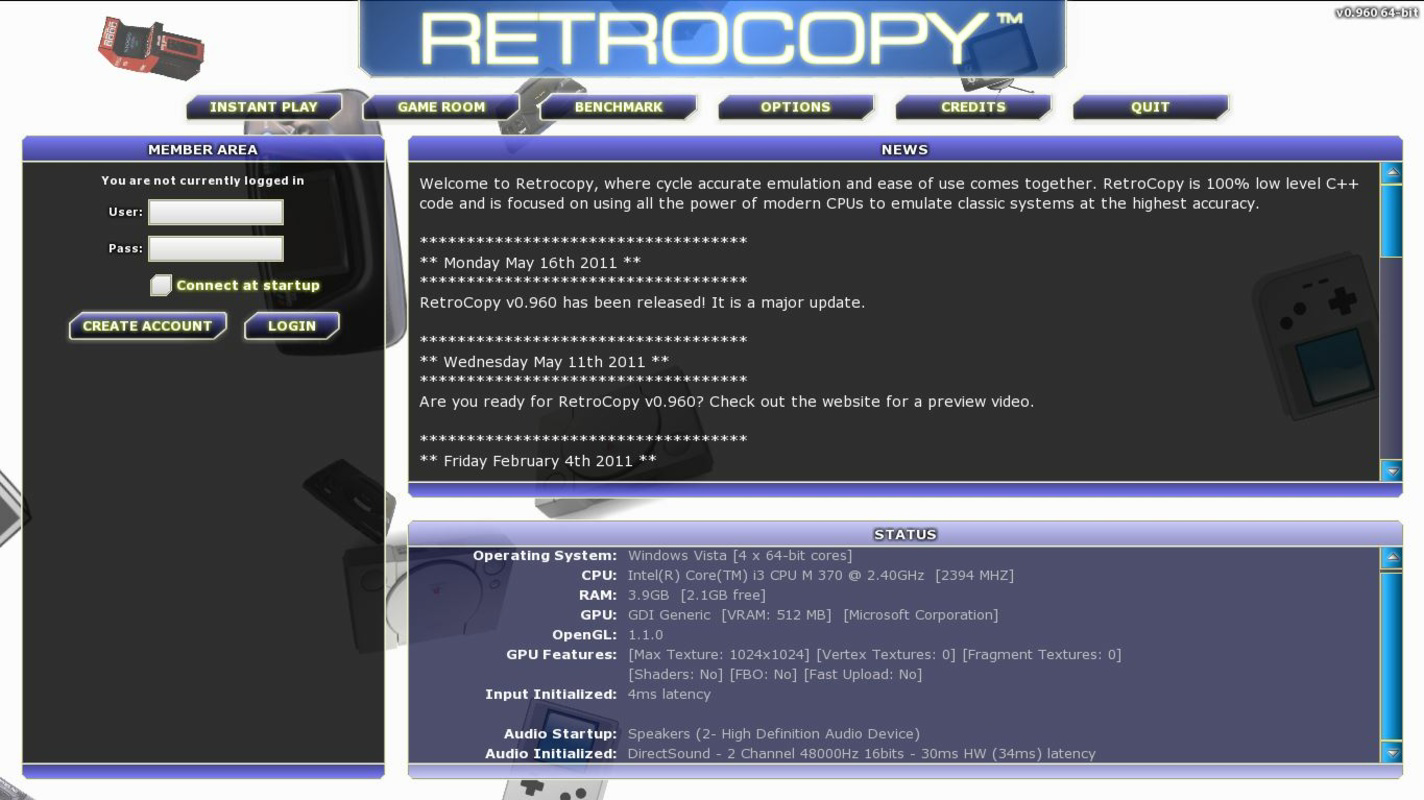
The interface of RetroCopy blends retro aesthetics with modern usability. The 3D arcade room environment provides a visually engaging way to browse and launch games, with intuitive navigation that responds to touch and device orientation. The layout is structured to minimize clutter while maximizing accessibility to core functions. Users can easily switch between systems, load ROMs, and configure settings through clearly labeled menus. Although the developer did not list formal performance metrics, the app’s design suggests optimized rendering for mobile devices, enabling smooth gameplay across various hardware configurations. Responsiveness appears consistent, with minimal lag during menu transitions and game loading. Stability is implied by the app’s long-standing presence since 2013, though no official updates have been documented. The visual style remains cohesive, with attention to detail in the arcade room design and system-specific UI elements. Compatibility with different screen sizes and resolutions is likely, though specific requirements were not disclosed. Overall, the UX prioritizes immersion and functionality, making it accessible to both beginners and experienced retro gamers.
Platform Compatibility & Technical Requirements
RetroCopy is available on Android, supporting the latest versions of the operating system. The app has a file size of 12.4 MB, indicating a lightweight footprint suitable for devices with limited storage. The software version is not specified, and the developer did not provide minimum OS requirements or hardware specifications. Compatibility with iOS was not confirmed, and no information about tablet support or other platforms was included. The release date is listed as January 28, 2013, suggesting the app has been in use for over a decade. While the app remains functional, users should be cautious about potential compatibility issues with newer Android versions, especially regarding permissions and background processes. The absence of recent updates may affect security and performance on modern devices. However, the lightweight nature of the app suggests it could still run on older or low-end hardware.
Pros and Cons
Pros
- Supports multiple classic gaming platforms in one app.
- Unique 3D virtual arcade room for immersive browsing.
- Efficient ROM organization with cover art and metadata support.
- Flexible controller compatibility for enhanced gameplay.
- Improved visual and audio output for classic titles.
Cons
- No recent updates since 2013; potential compatibility risks on modern devices.
- Developer did not disclose technical requirements or minimum OS version.
- File size is small, but no information on required storage space for ROMs.
- Platform availability for iOS or tablets was not confirmed.
- Limited official support or community resources documented.
FAQ
Is RetroCopy free to download and use?
The app’s pricing was not disclosed, but it is commonly available as a free download. Users should verify the official source to ensure they are installing a secure version.
Can I use RetroCopy on iOS devices?
There is no confirmed information about iOS compatibility. The app is currently available on Android, but support for other platforms was not specified.
Does RetroCopy support external controllers?
Yes, the app supports a wide range of external controllers, allowing users to connect Bluetooth or wired devices for a more authentic gaming experience.
How do I add ROMs to RetroCopy?
Users can transfer ROM files to the app’s designated folder via file manager or cloud storage. The app provides a built-in browser to access and launch games from the library.
Is RetroCopy safe to install on my smartphone?
As long as the app is downloaded from a trusted source, it is considered secure. Users should avoid third-party APKs that may contain malware or unauthorized modifications.
Final Thoughts
RetroCopy remains a notable entry in the retro gaming space, offering a unique fusion of emulation, organization, and immersive design. Its ability to unify multiple classic systems into a single app simplifies access for enthusiasts and collectors alike. The 3D arcade room feature sets it apart from standard emulators, creating a personalized and engaging environment. While the lack of recent updates raises concerns about long-term compatibility, its lightweight nature and proven track record make it a viable option for nostalgic gamers. The app is ideal for users who value simplicity, immersion, and a curated retro experience. For those seeking a mobile solution to enjoy classic games with modern enhancements, RetroCopy delivers real value. Download RetroCopy now.
Guides & Tutorials
How to install RetroCopy
- Click the Download button above.
- Once redirected, accept the terms and click Install.
- Wait for the RetroCopy download to finish on your device.
How to use RetroCopy
This software is primarily used for its core features described above. Open the app after installation to explore its capabilities.
User Reviews
No reviews yet. Be the first to share your experience.
You may also like
more
Que no te pillen¡
About !Que no te pillen¡Reviewed by Jason A. BilbreyShow MoreShow Less

3D Combat Zone
About 3D Combat ZoneOriginally released in 1983, 3D Combat Zone immerses players...

666: El día del portal
About 666: El día del portalOn June 6, 2006, Agent P. Stone uncovers a sinister...

80 in 1 Best Flash games
About 80 in 1 Best Flash games 80 in 1 Best Flash games is a collection of 80 fl...

ABYSS SEEKERーーWhat Do You See Deep in The Abyss
About ABYSS SEEKERーーWhat Do You See Deep in The AbyssIn ABYSS SEEKER, players...

ACA NEOGEO THE KING OF FIGHTERS 2002 for Windows
About ACA NEOGEO THE KING OF FIGHTERS 2002 for WindowsTHE KING OF FIGHTERS 2002,...